
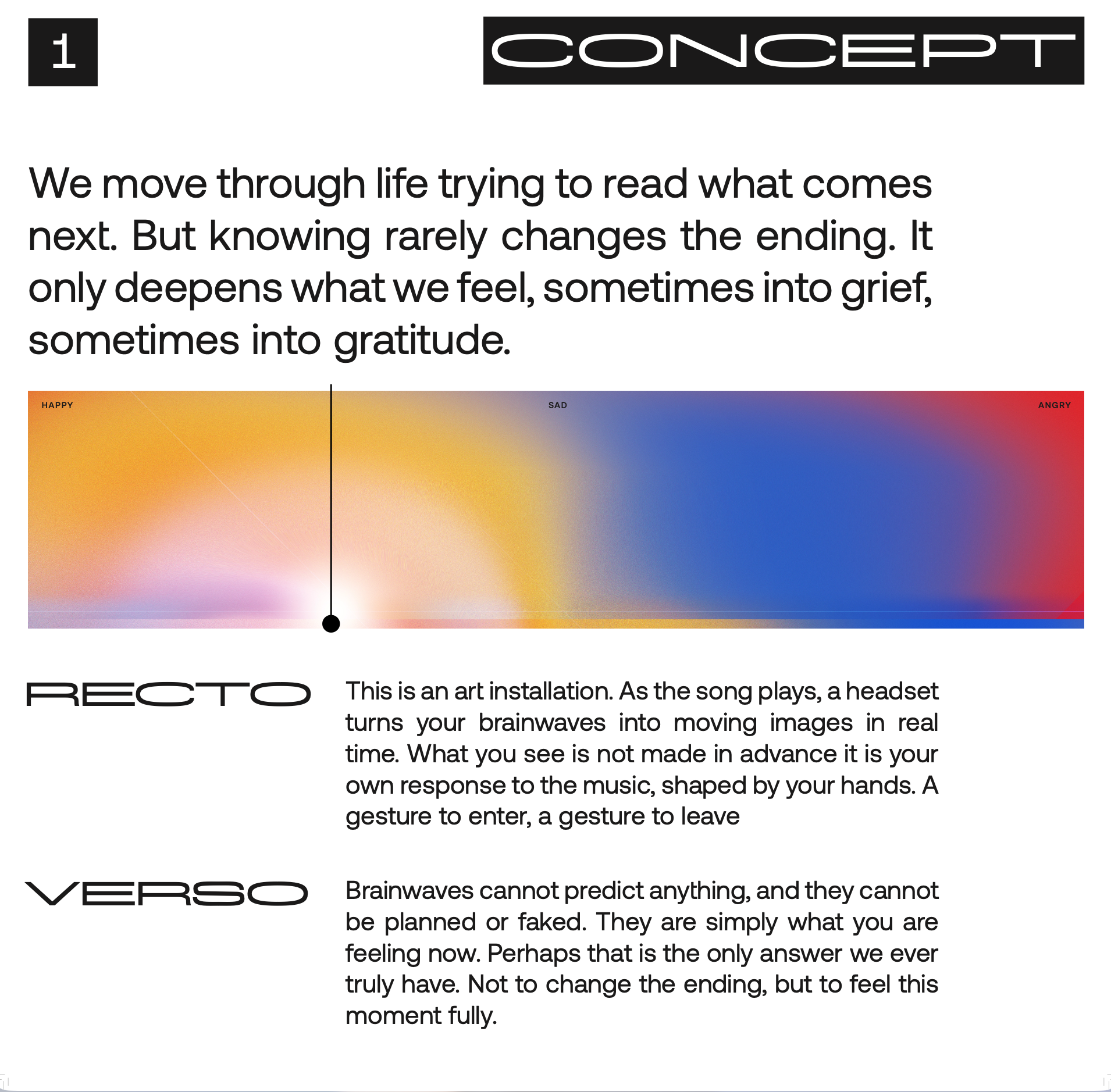
this is Recto Verso —
an interactive art installation that takes something
invisible, your emotional state, and turns it
into something
you can actually see.

Real-Time
AI Visual System
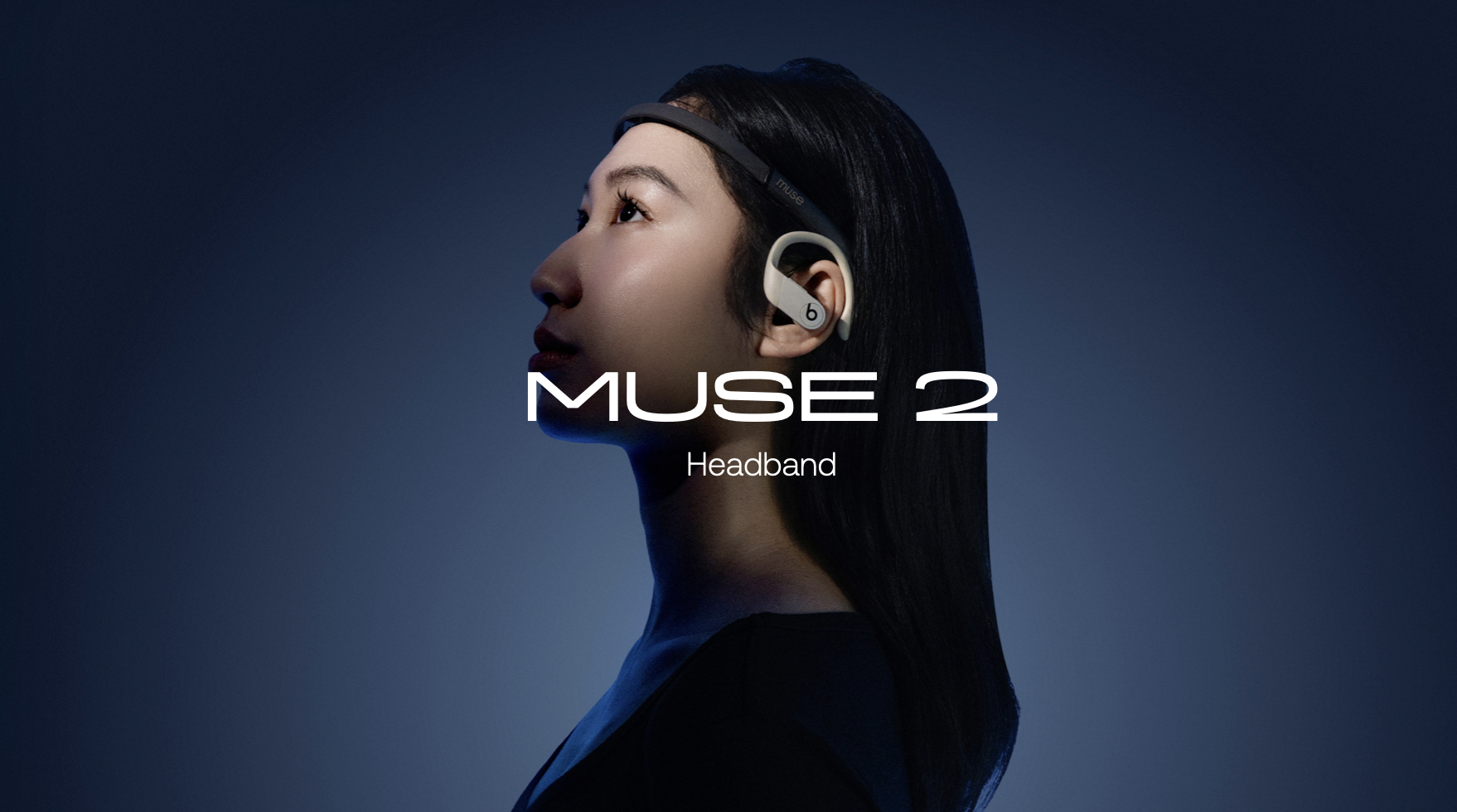
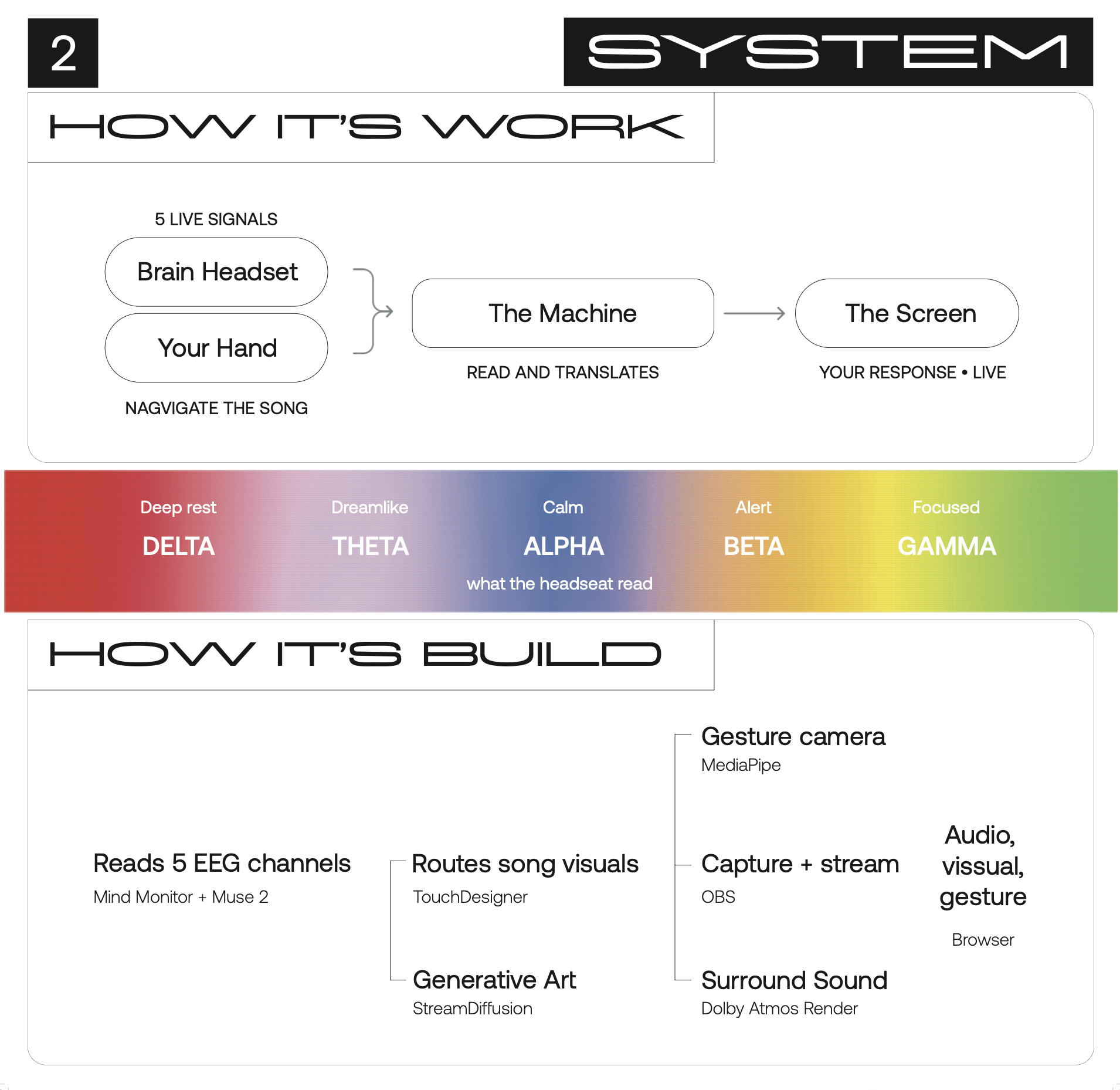
The network runs in two parallel layers. A CHOP chain — OSC In → Select → Math → Lag — receives live EEG data from the Muse 2 headband, smoothing the raw brainwave frequencies into stable values that drive the visual layer above it. There, a noise texture moves through a feedback loop that gives the image memory of itself, then gets color-shaped through HSV and Levels adjustments before landing in StreamDiffusionTD — a real-time Stable Diffusion component running inside TouchDesigner. The brainwave values simultaneously control both the visual parameters and the text prompt fed into the model, so what generates on screen is responding to brain state in two ways at once: in how it looks, and in what the AI is being asked to imagine.

Output Routing & Browser Bridge
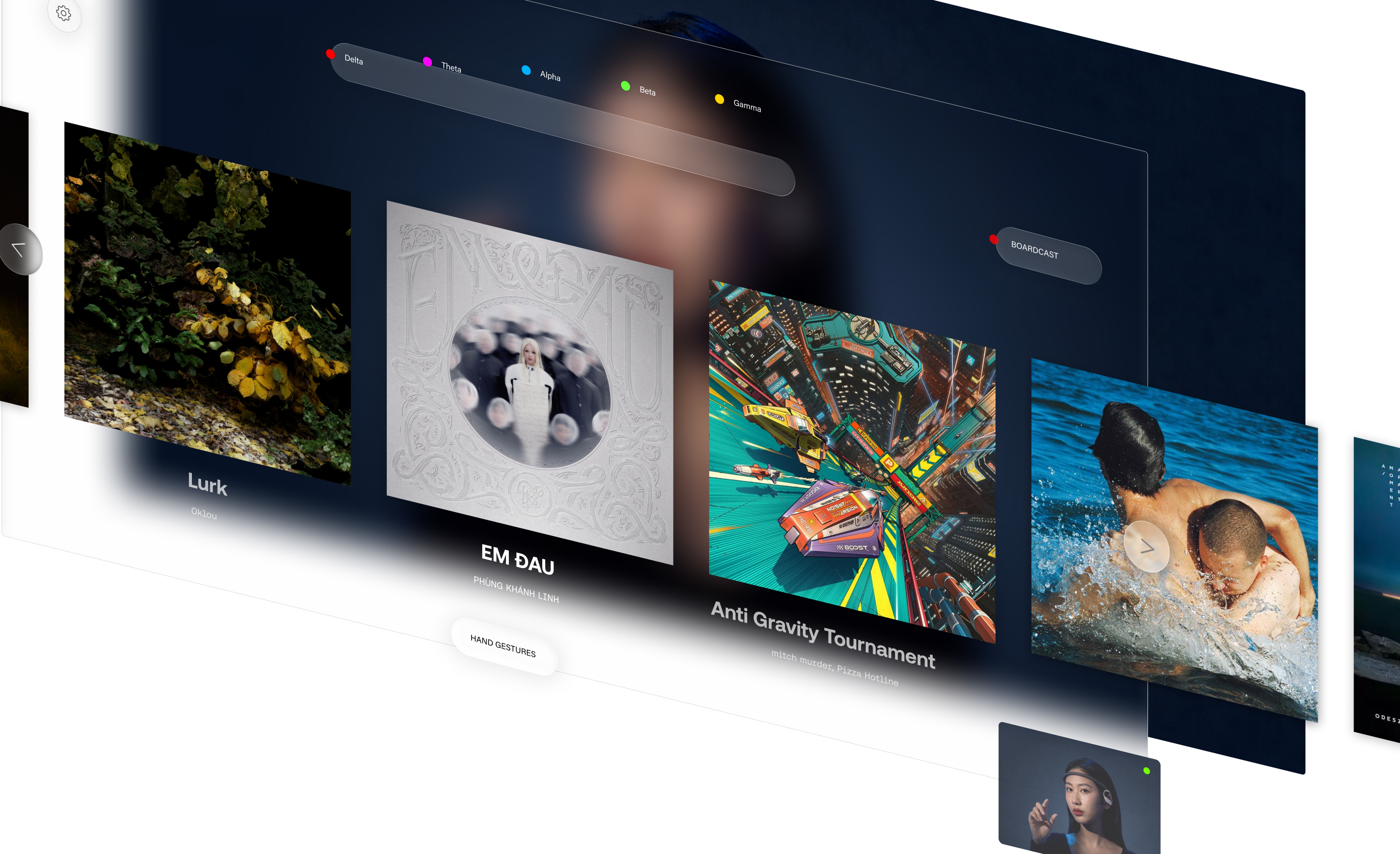
From StreamDiffusion's output, the signal passes through an intensity node, composites over black, then hits switch1 — the router that determines which visual is active at any given moment. The result scales through resolution_web and splits toward two destinations: a local window1 for on-screen output, and null_web_out which feeds the final image to the browser via OBS Virtual Camera. On the right, webserver1 handles the WebSocket layer — a Python callback script running the two-way conversation between TouchDesigner and the browser, pushing live EEG data outward and receiving song selection and intensity controls back in
The Full Pipeline
The complete network runs left to right as a single continuous system. EEG data enters at the bottom through an OSC chain — selected, remapped, and smoothed — then branches upward to drive the visual layer, where a noise texture cycles through a feedback loop and gets color-shaped before reaching StreamDiffusion for real-time AI generation. That output moves right through intensity and compositing nodes, into switch1 which manages which visual is active, then scales for web and splits toward the local display window and null_web_out. The entire flow is orchestrated by webserver1 on the far right, keeping the browser and TouchDesigner in constant two-way communication.