For this assignment, I created an interactive visual system in TouchDesigner using MediaPipe hand tracking as the main input. Instead of using the mouse, the system responds to my hand movement through the webcam.The visual output is a field of hexagons. By changing the distance of my thumb, I can control the wave movement of the hexagon shapes in real time. This creates a direct connection between my hand gesture and the animated visual response.
Input
The input for this project is hand motion captured through a webcam.I used MediaPipe to track my hand and detect the position of my thumb. The system reads the thumb distance and uses that value as the control signal.
Visual OutputInput
The visual response is a hexagon-based 3D pattern. The hexagons move in a wave-like motion, and the strength of the wave changes depending on the hand input.The background and lighting help make the hexagon shapes feel more dimensional and dynamic.
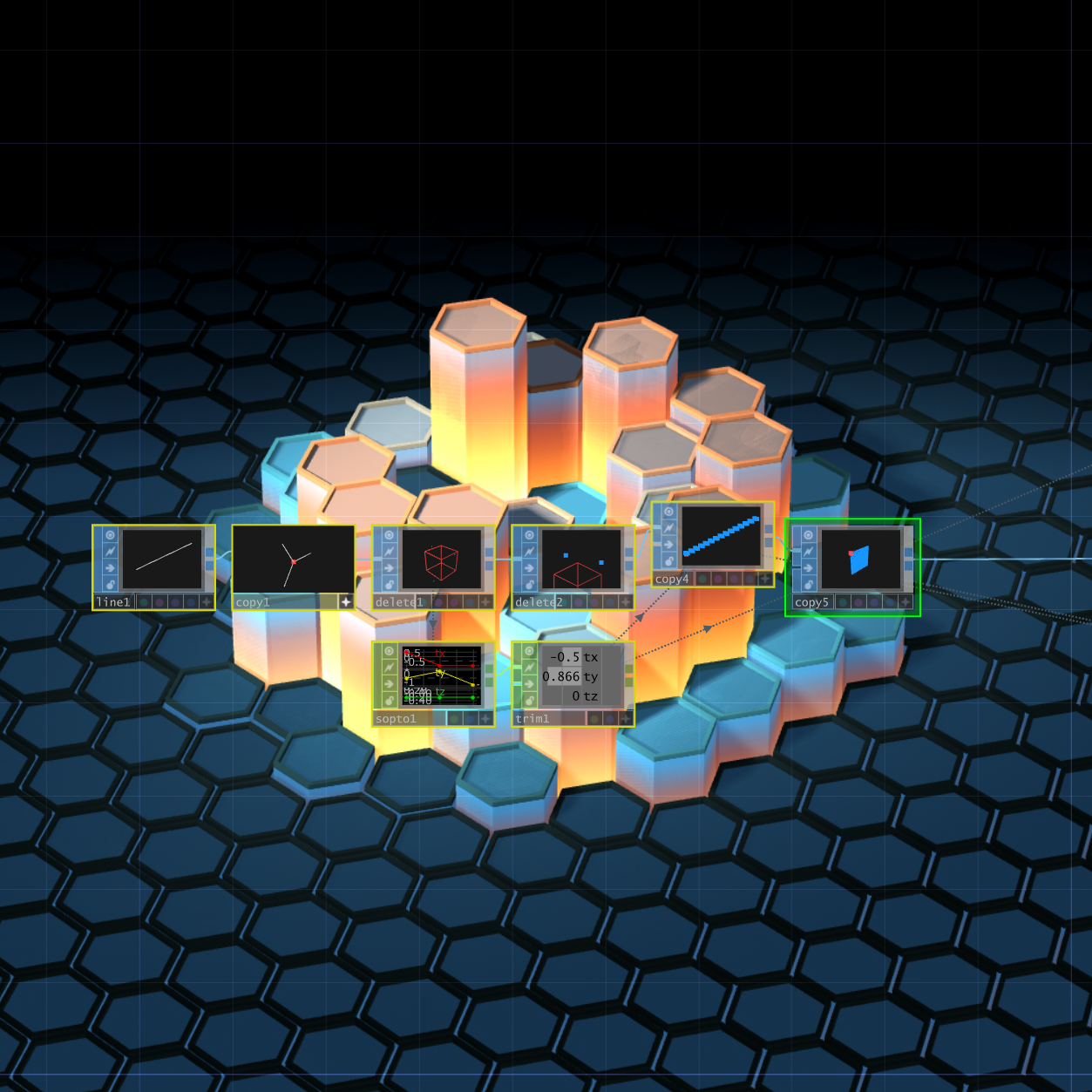
Input → Output Relationship
Visual OutputInput
As I move my thumb, the hexagon wave changes in real time. This creates an interactive experience where my hand gesture becomes the control for the visual animation.
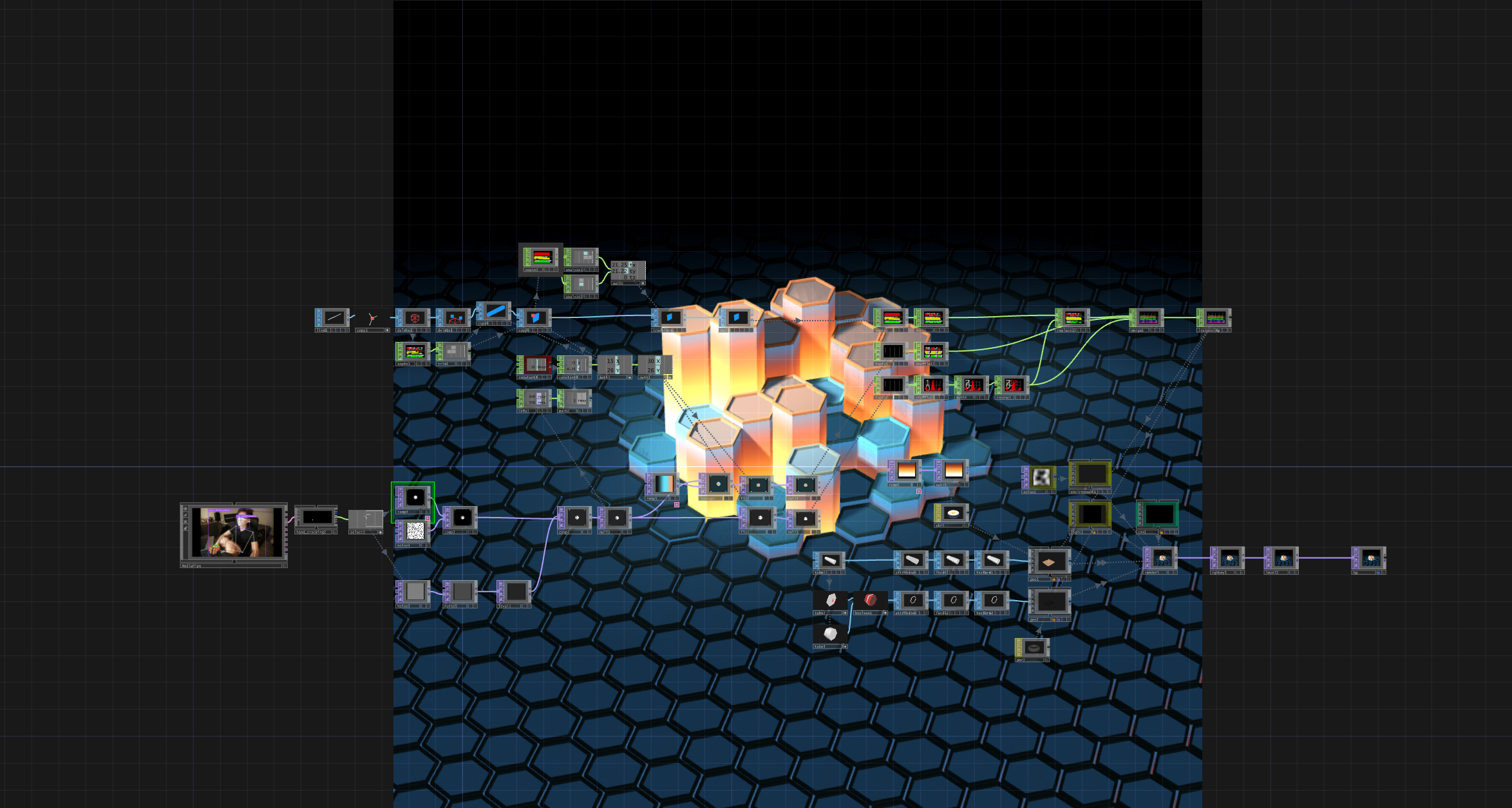
Process
First, I brought webcam input into TouchDesigner and used MediaPipe to track the hand. Then I extracted the thumb tracking data and converted it into a value that could control the visuals.After that, I connected the hand data to the hexagon system. I adjusted the range of the data so that the thumb movement would create a clear change in the wave animation. I also tested different wave strengths to make the interaction easy to see.

